



Orange 5 Download and installation Software
Screenshots
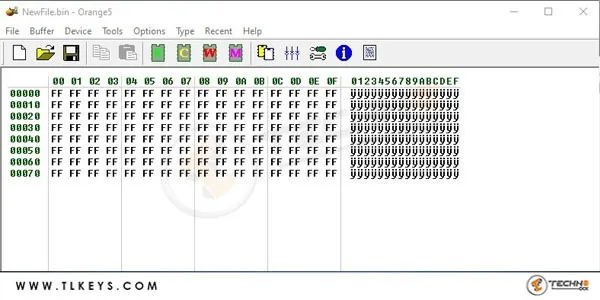
ImmoHPX Installation Guide:
Personal Backup Archive
Download and extract your personal archive by constructing a link from the template:
https://www.scorpio-lk.com/immov10/XXXX-XXXX.rar
Where XXXX-XXXX represents the last nine symbols of your personal Orange-5 serial number. The password of the archive is the device's full serial number.
Example: If Orange-5 serial number is : 1111-2222-3333-4444-5555-6666-7777-8D1A
Then link is: https://www.scorpio-lk.com/immov10/7777-8D1A.rar
Within the extracted folder are two items:
- File 3-O5Immo.cfg
- Folder “O5IMMO”
Installation procedure:
- Open the Orange-5 base software directory (where orange.exe is located) and paste 3-O5Immo.cfg within it.
- Then open folder HPL and paste it from the archive Folder O5IMMO.
- After that ImmoHPX functions can be accessed from Orange-5 software: Select Type->Configuration->3-O5Immo