


Add to Cart
Aftermarket Brand
| Panic Button | Yes |
|---|---|
| Emergency Key/blade | Included |
| Remote Shell Type | Smart Proximity Shell |
| Buttons | 3 |
| Status | Aftermarket Brand |
| Weight | 0.05 kg |
| Panic Button | Yes |
|---|---|
| Emergency Key/blade | Included |
| Remote Shell Type | Smart Proximity Shell |
| Buttons | 3 |
|---|---|
| Status | Aftermarket Brand |
| Weight | 0.05 kg |
| Brand | Model | Year (From–To) |
|---|---|---|
| Cadillac | SRX | 2010–2016 |
Restore the look and functionality of your Cadillac key fob with this high-quality 3-button smart proximity remote key shell. This is an ideal solution for drivers with a cracked, worn, or damaged key case who want to avoid the high cost of a full dealership replacement.
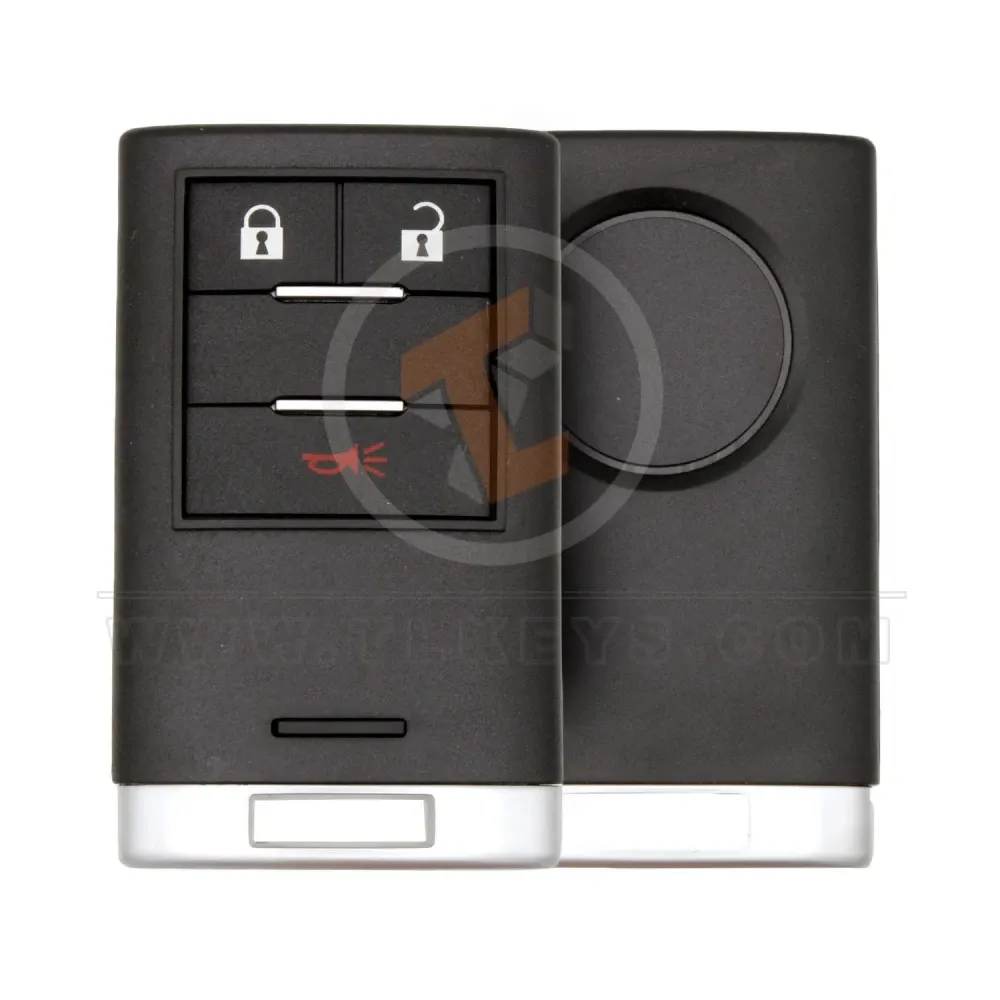
Designed specifically for the Cadillac SRX (2010-2016), this shell features a sleek, durable black finish with a chrome-style bottom trim, perfectly matching the original aesthetic.
Complete Housing: Includes the front cover, back cover, and button pad.
3-Button Layout: Lock, Unlock, and Panic (Horn icon).
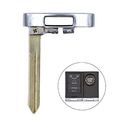
Integrated Emergency Key: Includes a fresh emergency blade/key (uncut) that slides into the base.
No Electronics Included: This is a shell only. You must transfer your existing internal PCB (circuit board), battery, and transponder chip from your old remote.
Easy Restoration: A cost-effective way to make your key look brand new again.
| Attribute | Specification |
| Compatible Models | Cadillac SRX (2010, 2011, 2012, 2013, 2014, 2015, 2016) |
| Number of Buttons | 3 (Lock, Unlock, Panic) |
| Panic Button | Yes |
| Status | Aftermarket Brand |
| Emergency Blade | Included (Uncut) |
| Remote Type | Smart Proximity Shell |
| Part Number | TL41699 |
Open your existing Cadillac remote.
Carefully remove the internal electronic circuit board and battery.
Place the electronics into the new shell.
Snap the shell together.
Take the included emergency blade to a local locksmith to be cut, or swap in your original blade if compatible.